Floral Wedding Invitation Graphic with Watercolor Elegance
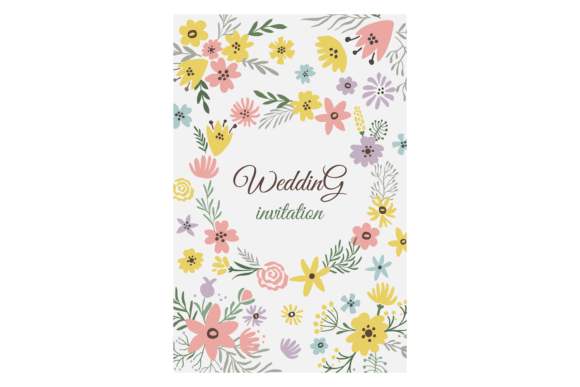
Every couple wants their wedding stationery to feel personal, polished, and quietly unforgettable. A Floral Wedding Invitation Graphic that blends dusty rose watercolor washes with hand-painted greenery leaves does exactly that. It carries a soft romantic energy without slipping into anything overly sweet or predictable. The uneven edges of botanical brushstrokes, the gentle blush tones, and the way greenery trails naturally across the card create an invitation that feels alive rather than templated. This particular design works because it understands restraint — the watercolor elements frame rather than overwhelm, giving the typography room to breathe.
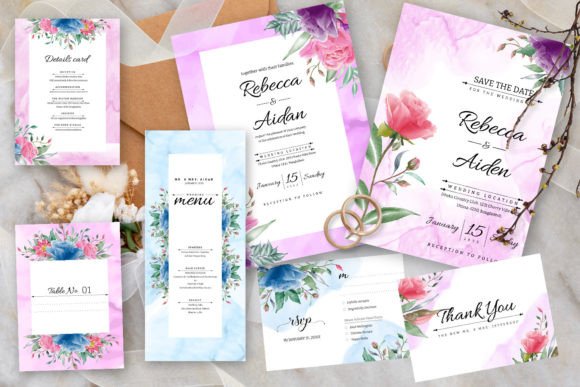
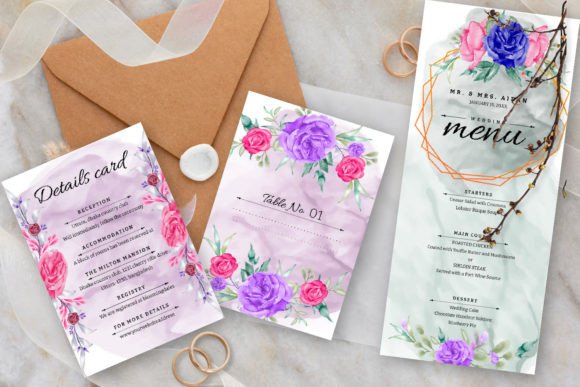
What makes this graphic especially useful is how readily it adapts. You receive editable vector files that open in Adobe Illustrator or any vector editing software, which means you are not locked into a single look. The 5x7 wedding card comes with bleed already set, and a matching 3.5x5 RSVP card keeps the suite cohesive. Even the font choice is handled — a free font ships with the files — but every element remains tweakable. You can shift the palette, resize the floral clusters, swap the typography, or add a custom monogram. The structure is there; the creative direction is yours.
What Makes This Dusty Rose and Greenery Design Stand Out
Dusty rose occupies a unique spot in wedding color palettes. It reads as romantic without being juvenile, warm without pulling too pink. Paired with greenery — sage, eucalyptus, olive — the combination feels botanical and grounded. This Floral Wedding Invitation Graphic leans into watercolor textures, so the petals and leaves hold subtle gradient shifts, pigment pooling, and transparent layers that digital flat colors simply cannot replicate. The result is something that photographs beautifully, holds up well in print, and translates effortlessly to digital RSVP pages and wedding websites.
The arrangement matters too. Greenery does not just sit at the corners; it winds around the text block in a way that guides the eye. This directional movement helps readers absorb the essential details — names, date, venue — in a natural sequence. For couples planning a garden wedding, a vineyard reception, or an outdoor spring ceremony, the visual language aligns with the setting before guests even arrive.
Practical File Formats and Editing Flexibility
This template package includes EPS files and JPG files, which cover both editable and ready-to-print needs. The EPS format preserves vector paths, meaning you can scale the artwork to any size without losing quality. That matters if you decide to use the floral elements beyond the invitation itself — think welcome signage, seating charts, or thank-you cards. JPG files give you a quick reference and can be used for social media announcements or digital-only invitations if you are going paperless.
Both the 5x7 invitation and the 3.5x5 RSVP card include bleed. For anyone unfamiliar with print production, bleed extends the design beyond the trim edge so that when the card is cut, no white border appears. This small technical detail saves time and prevents reprint headaches. The free font bundled with the template removes the friction of hunting down a matching typeface. Open the file, install the font, and the text layers render exactly as previewed. You can still substitute a serif or script of your own choosing, but the baseline is solid right out of the gate.
Creative Ways to Personalize the Template
Starting with a well-designed Floral Wedding Invitation Graphic gives you a head start, but personal touches turn it into something that feels uniquely yours. Think of the template as a framework that welcomes reinterpretation. Small shifts in color, layout, or wording can completely change the mood without requiring you to rebuild anything from scratch.
Playing with Color Variations
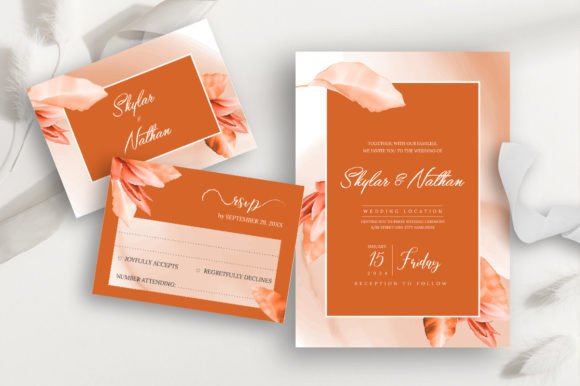
The original dusty rose and greenery palette suits a wide range of wedding themes, but you are never stuck with it. In Adobe Illustrator, select the watercolor elements and experiment with hue adjustments. Swap dusty rose for terracotta and the greenery for muted gold to suit an autumn wedding. Shift toward lavender and sage for a spring garden feel. If your wedding leans coastal, cool the greenery toward seafoam and let the blush fade into a sandy neutral. Because the watercolor textures contain subtle tonal variation, recoloring preserves the hand-painted character rather than flattening into a solid fill.
For couples who want a minimalist look, reduce the opacity of the floral clusters and let them sit quietly behind the text. For a bolder statement, duplicate and mirror the greenery to create a framing border on all four sides. The vector format makes these adjustments quick and non-destructive.
Mixing Typography Styles
The included free font handles the invitation's body text gracefully, but mixing typefaces can elevate the hierarchy. Try a clean, modern sans-serif for secondary details like the date and venue, paired with a calligraphic script for the couple's names. Keep the script font on a separate layer and adjust tracking so the letters connect naturally. If you want to emphasize a particular word or phrase — the couple's surname, the ceremony time — increase the font weight slightly or use a subtle letter-spacing treatment rather than adding more decorative elements. The floral graphic already does the visual heavy lifting.
Applications Beyond the Wedding Invitation Suite
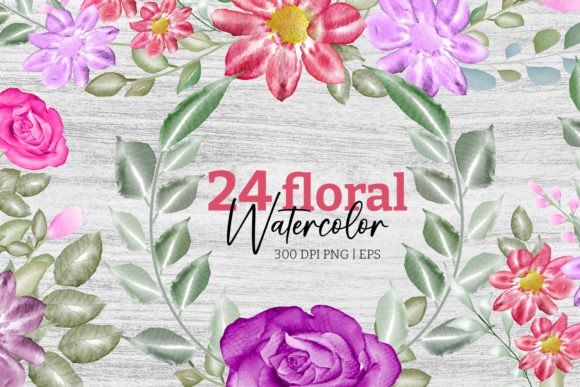
One of the most practical advantages of an editable Floral Wedding Invitation Graphic is how far the artwork stretches. The same dusty rose blooms and greenery leaves that appear on the invitation can populate an entire stationery ecosystem. Start by pulling a single botanical cluster from the EPS file and placing it on a thank-you card. Use the full wreath-like arrangement as a backdrop for a wedding program cover. Scale down the greenery sprigs to create subtle corner accents on menu cards or place settings.
Beyond paper goods, the JPG files slide easily into digital formats. Upload the invitation graphic to your wedding website as the hero image for the details page. Crop a section for a matching email header when you send digital save-the-dates. If you are creating a slideshow or a short video invitation for social media, the watercolor elements provide consistent branding across every frame. Event planners and stationery designers who license or use templates like this often repurpose the assets across multiple client projects, adapting the colors and layouts to fit different themes while keeping the workflow efficient.
- Save-the-date cards: Use a simplified layout with just the floral border and a single date.
- RSVP cards: The included 3.5x5 design keeps guest replies organized and visually aligned.
- Thank-you notes: Feature a smaller floral motif paired with a heartfelt message.
- Table numbers and signage: Extract the greenery and place it at the top or bottom of each sign.
- Social media graphics: Resize the invitation artwork for Instagram stories or Facebook event banners.
Tips for Print and Digital Delivery
How you handle the final output shapes how guests experience the invitation. For print, the 5x7 size with bleed is standard and fits readily available envelopes. Choose a paper stock that complements the watercolor texture — cotton paper or a lightly textured matte stock works especially well. The fibers pick up the softness of the watercolor in a way glossy paper cannot. If budget allows, consider letterpress or foil stamping for the typography while keeping the floral elements digitally printed; the contrast between the tactile text and the painterly flowers adds depth.
For digital delivery, export the invitation as a high-resolution JPG or a print-ready PDF for guests to download. Keep the file size manageable without compressing heavily, so the watercolor gradients remain smooth. If you are using online RSVP tools, the 3.5x5 RSVP card can serve as a visual preview while the actual response form lives on your wedding website. Include a short URL or a QR code on the card to bridge the printed and digital experience seamlessly.
Why Creatives and Small Business Owners Keep This Design in Their Toolkit
A Floral Wedding Invitation Graphic like this holds appeal far beyond the couple planning their own wedding. Freelance graphic designers, stationery shop owners, and event planners often keep editable templates on hand for client work that needs to move quickly without sacrificing a custom look. The dusty rose and greenery trend has proven staying power because it straddles seasons — it feels appropriate for spring and summer but can shift into fall warmth with simple palette adjustments. For a small business, offering this design in a sample pack or as a basic invitation suite option means serving clients who want an elevated starting point without a fully bespoke price tag.
Bloggers and content creators who write about weddings or DIY projects find the EPS and JPG combination easy to showcase in tutorials. Walkthroughs demonstrating how to edit text, recolor elements, and prepare files for print provide genuinely helpful content to audiences who may be intimidated by graphic software. The learning curve is gentle, and the result looks far more professional than starting from a blank canvas.
Teachers and educators in design programs can use the template to demonstrate real-world client deliverables — discussing file formats, bleed setup, font licensing, and production workflows. The fact that a free font is included becomes a teachable moment about licensing and typography sourcing.
Ultimately, this design succeeds because it offers both structure and freedom. The watercolor dusty rose and greenery leaves carry emotional weight; they feel intentional and handcrafted. The technical delivery — editable vectors, correct sizing, bleed, font — respects the user's time and skill level. Whether you are designing for yourself, a client, or a creative project, you are working with something that starts beautiful and leaves room to become something more.